## Download Stockfish
> [!NOTE]
> Stockfish is a [**command line program**](Stockfish-FAQ#executing-stockfish-opens-a-cmd-window). You may want to use it in your own UCI-compatible [chess GUI](#download-a-chess-gui).
> Developers should communicate with Stockfish via the [UCI protocol](UCI-&-Commands#standard-commands).
### Get started
1. First [download](#official-downloads) Stockfish. Stockfish itself is *completely free* with all its options.
2. Next, [download a GUI](#download-a-chess-gui) (Graphical User Interface) as it is needed to conveniently use Stockfish. There are multiple free and commercial GUIs available. Different GUI's have more or less advanced features, for example, an opening explorer or automatic game analysis.
3. Now Stockfish must be made available to the GUI. [Install in a Chess GUI](#install-in-a-chess-gui) explains how this can be done for some of them. If a different GUI is used, please read the GUI's manual.
4. Ultimately, change the default [settings](#change-settings) of Stockfish to get the [best possible analysis](Stockfish-FAQ#optimal-settings).
---
### Official downloads
#### Latest release
- https://stockfishchess.org/download/
- https://github.com/official-stockfish/Stockfish/releases/latest
#### Latest development build
- https://github.com/official-stockfish/Stockfish/releases?q=prerelease%3Atrue
> [!NOTE]
> We **only** recommend downloading from the [official GitHub releases](https://github.com/official-stockfish/Stockfish/releases?q=prerelease%3Atrue).
> Websites such as Abrok are third parties, so we cannot guarantee the safety, reliability, and availability of those binaries because we are not responsible for them.
### Choose a binary
In order of preference:
1. x86-64-vnni512
2. x86-64-vnni256
3. x86-64-avx512
- AMD Zen 4+
4. x86-64-bmi2
- Intel (2013+) and AMD Zen 3+
5. x86-64-avx2
- Intel (2013+) and AMD (2015+)
6. x86-64-sse41-popcnt
- Intel (2008+) and AMD (2011+)
7. x86-64
---
## Download a Chess GUI
A chess graphical user interface allows you to interact with the engine in a user-friendly way. Popular GUIs are:
### Free
#### Computer
| **[En Croissant](https://www.encroissant.org/)** ([source code](https://github.com/franciscoBSalgueiro/en-croissant))
[How to install Stockfish](#en-croissant)
[Change settings](#en-croissant-1) | **[Nibbler](https://github.com/rooklift/nibbler/releases/latest)** ([source code](https://github.com/rooklift/nibbler))
[How to install Stockfish](#nibbler)
[Change settings](#nibbler-1) |
|:---|:---|
| [![][encroissant]][encroissant] | [![][nibbler]][nibbler] |
| **[Arena](http://www.playwitharena.de/)**
[How to install Stockfish](#arena)
[Change settings](#arena-1) | **[Lichess Local Engine](https://github.com/fitztrev/lichess-tauri/releases/latest)** ([source code](https://github.com/fitztrev/lichess-tauri)) (**WIP**)
[How to install Stockfish](#lichess-local-engine)
[Change settings](#lichess) |
| [![][arena]][arena] | [![][lichesslocalengine]][lichesslocalengine] |
| **[BanksiaGUI](https://banksiagui.com/download/)** | **[Cutechess](https://github.com/cutechess/cutechess/releases/latest)** ([source code](https://github.com/cutechess/cutechess)) |
| [![][banksia]][banksia] | [![][cutechess]][cutechess] |
| **[ChessX](https://chessx.sourceforge.io)** ([source code](https://sourceforge.net/projects/chessx/)) | **[LiGround](https://github.com/ml-research/liground/releases/latest)** ([source code](https://github.com/ml-research/liground)) |
| [![][chessx]][chessx] | [![][liground]][liground] |
| **[Lucas Chess](https://lucaschess.pythonanywhere.com/downloads)** ([source code](https://github.com/lukasmonk/lucaschessR2)) | **[Scid vs. PC](https://scidvspc.sourceforge.net/#toc3)** ([source code](https://sourceforge.net/projects/scidvspc/)) |
| [![][lucaschess]][lucaschess] | [![][scidvspc]][scidvspc] |
| **[XBoard](https://www.gnu.org/software/xboard/#download)** ([source code](https://ftp.gnu.org/gnu/xboard/)) | **[jose](https://bitbucket.org/hrimfaxi/jose)** ([source code](https://bitbucket.org/hrimfaxi/jose/src/main))
[How to install Stockfish](#jose) |
| [![][xboard]][xboard] | 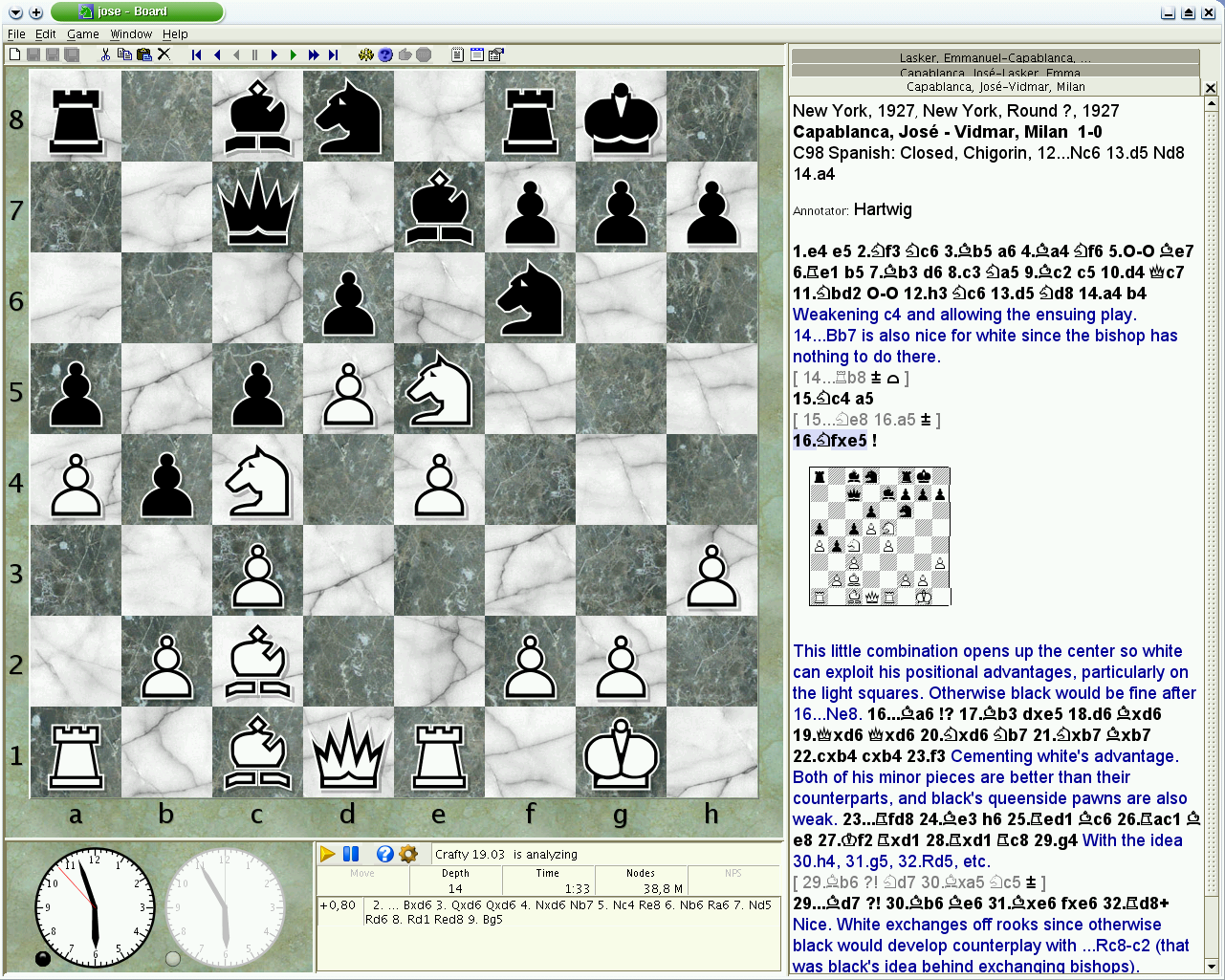 |
#### Mobile
| **[DroidFish](https://f-droid.org/packages/org.petero.droidfish/)** ([source code](https://github.com/peterosterlund2/droidfish)) | **[SmallFish](https://apps.apple.com/us/app/smallfish-chess-for-stockfish/id675049147)** |
|:---|:---|
| [![][droidfish]][droidfish] | [![][smallfish]][smallfish] |
| **[Chessis](https://play.google.com/store/apps/details?id=com.chessimprovement.chessis)** | |
| [![][chessis]][chessis] | |
### Paid
| **[Chessbase](https://shop.chessbase.com/en/categories/chessprogramms)** | **[Hiarcs](https://www.hiarcs.com/chess-explorer.html)** |
|:---|:---|
| [![][chessbase]][chessbase] | [![][hiarcs]][hiarcs] |
| **[Shredder](https://www.shredderchess.com/)** | |
| [![][shredder]][shredder] | |
### Online
> [!NOTE]
> If you don't want to download a GUI, you can also use some of the available online interfaces. Keep in mind that you might not get the latest version of Stockfish, settings might be limited and speed will be slower.
| **[Lichess](https://lichess.org/analysis)**
[Change settings](#lichess) | **[Chess.com](https://www.chess.com/analysis)**
[Change settings](#chesscom) |
|:---|:---|
| [![][lichess]][lichess] | [![][chesscom]][chesscom] |
| **[ChessMonitor](https://www.chessmonitor.com/explorer)** | **[Chessify](https://chessify.me/analysis)** |
| [![][chessmonitor]][chessmonitor] | [![][chessify]][chessify] |
| **[DecodeChess](https://app.decodechess.com/)** | |
| [![][decodechess]][decodechess] | |
---
## Install in a Chess GUI
### En Croissant
Engines tab > Add new > Install Stockfish

### Arena
1. Engines > Install New Engine...

2. Select and open the Stockfish executable

### Nibbler
1. Engine > Choose engine...

2. Select and open the Stockfish executable

### Lichess Local Engine
1. Log in with Lichess


2. Click the Install Stockfish button

3. Go to the Lichess analysis page
https://lichess.org/analysis
4. Select the engine from the engine list

### jose
Stockfish is already bundled with jose. To enable it for play and analysis do:
1. Edit > Options (F9)
2. select the 'Engine' tab
3. select Stockfish in the list of engines
4. below, you can edit all the engine parameters
---
## Change settings
> [!NOTE]
> Please check our [FAQ guide](Stockfish-FAQ#optimal-settings) to set the optimal settings.
### Arena
> [!NOTE]
> First uncheck these two settings
>
> 
Right click in the engine name > Configure


### Nibbler
Open the Engine menu

### En Croissant
Select Stockfish in the engines tab

or open the engine settings in the Analysis board

### Lichess
Open the engine settings

### Chess.com
Click the settings button in the [analysis page](https://www.chess.com/analysis?tab=analysis)


[encroissant]: https://github.com/official-stockfish/Stockfish/assets/63931154/e7b46c8a-6d96-49c7-b3a3-885a7a450037
[nibbler]: https://github.com/official-stockfish/Stockfish/assets/63931154/06d67bf8-4ed8-466f-a79d-c185c6103d51
[arena]: https://github.com/official-stockfish/Stockfish/assets/63931154/c166fda2-2fd2-45e2-9239-d24222e5fb71
[lichesslocalengine]: https://github.com/official-stockfish/Stockfish/assets/63931154/c5737058-befc-442f-8d65-75f151232269
[banksia]: https://github.com/official-stockfish/Stockfish/assets/63931154/8aae852c-31f7-4e47-998f-4086fb19681c
[cutechess]: https://github.com/official-stockfish/Stockfish/assets/63931154/67b6a236-3c50-4808-ad41-51a6c6299453
[chessx]: https://github.com/official-stockfish/Stockfish/assets/63931154/e0b3df75-ad90-4edf-a70e-b7781db7eca7
[lucaschess]: https://github.com/official-stockfish/Stockfish/assets/63931154/f4cf7eed-b74f-4e04-b962-fa44a3f2cba5
[liground]: https://github.com/official-stockfish/Stockfish/assets/63931154/75692235-227a-415f-8e39-1d8f21c36d92
[scidvspc]: https://github.com/official-stockfish/Stockfish/assets/63931154/d3d9ad5d-29f7-4675-be68-306195e53ca3
[xboard]: https://github.com/official-stockfish/Stockfish/assets/63931154/e336adf5-b5d7-47b4-81d2-5c276d174648
[droidfish]: https://github.com/official-stockfish/Stockfish/assets/63931154/f575a217-2153-45e3-be1d-223d4344fd44
[smallfish]: https://github.com/official-stockfish/Stockfish/assets/63931154/0ec44c5b-82de-4fb4-a662-63615a4a971a
[chessis]: https://github.com/official-stockfish/Stockfish/assets/63931154/fdcc0c02-5fe7-4b67-8fdf-ab3be4e7b4cd
[chessbase]: https://github.com/official-stockfish/Stockfish/assets/63931154/3fd2f64d-bb04-4b8e-b193-3aa53033d897
[hiarcs]: https://github.com/official-stockfish/Stockfish/assets/63931154/a1e7a951-a743-4e04-9029-c97f2550a773
[shredder]: https://github.com/official-stockfish/Stockfish/assets/63931154/66d0186c-9286-466e-95b5-8f88cbeb9214
[lichess]: https://github.com/official-stockfish/Stockfish/assets/63931154/cc6ea148-2a1a-4b61-a4fa-6af3b076e408
[chesscom]: https://github.com/official-stockfish/Stockfish/assets/63931154/f5b31849-0429-45d0-8dbc-758959352f9b
[chessmonitor]: https://github.com/official-stockfish/Stockfish/assets/63931154/d4f6d61b-3492-4c1f-998d-99d82252fd89
[chessify]: https://github.com/official-stockfish/Stockfish/assets/63931154/36cee80d-f63c-4ff9-97e9-5d51539589a8
[decodechess]: https://github.com/official-stockfish/Stockfish/assets/63931154/20042d29-b50b-4d37-b8f7-e6fb65c18e6a