
Electrical & Computer
Engineering Department
Engineering Department
An Electrical and Computer Engineering Demo
An interactive AI chess demonstration for prospective college students interested in engineering.
 ♔
♔
Associate Professor of Instruction in Electrical & Computer Engineering
LinkedIn → ♕
♕
Associate Professor of Instruction in Electrical & Computer Engineering
LinkedIn →With their project already being utilized by the Electrical and Computer Engineering Department, Team 8, AI Chess, worked on an accelerated timeline to create an interactive AI chess demonstration for prospective college students interested in engineering.
Originally a prototype from a previous student's independent study project, team members were tasked with creating an interactive demonstration to showcase the capabilities of electrical and computer engineers and inspire prospective students to pursue the field.
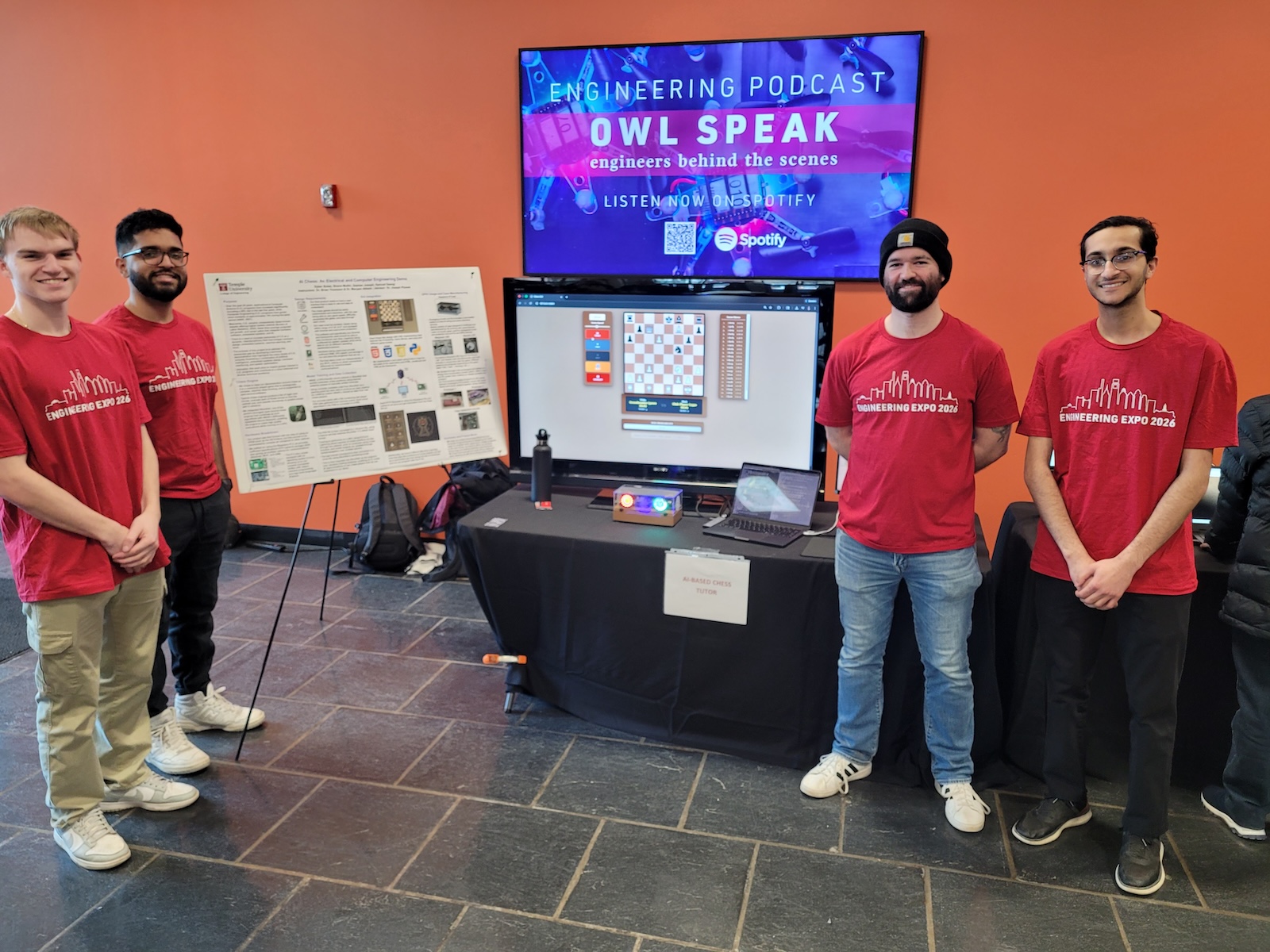
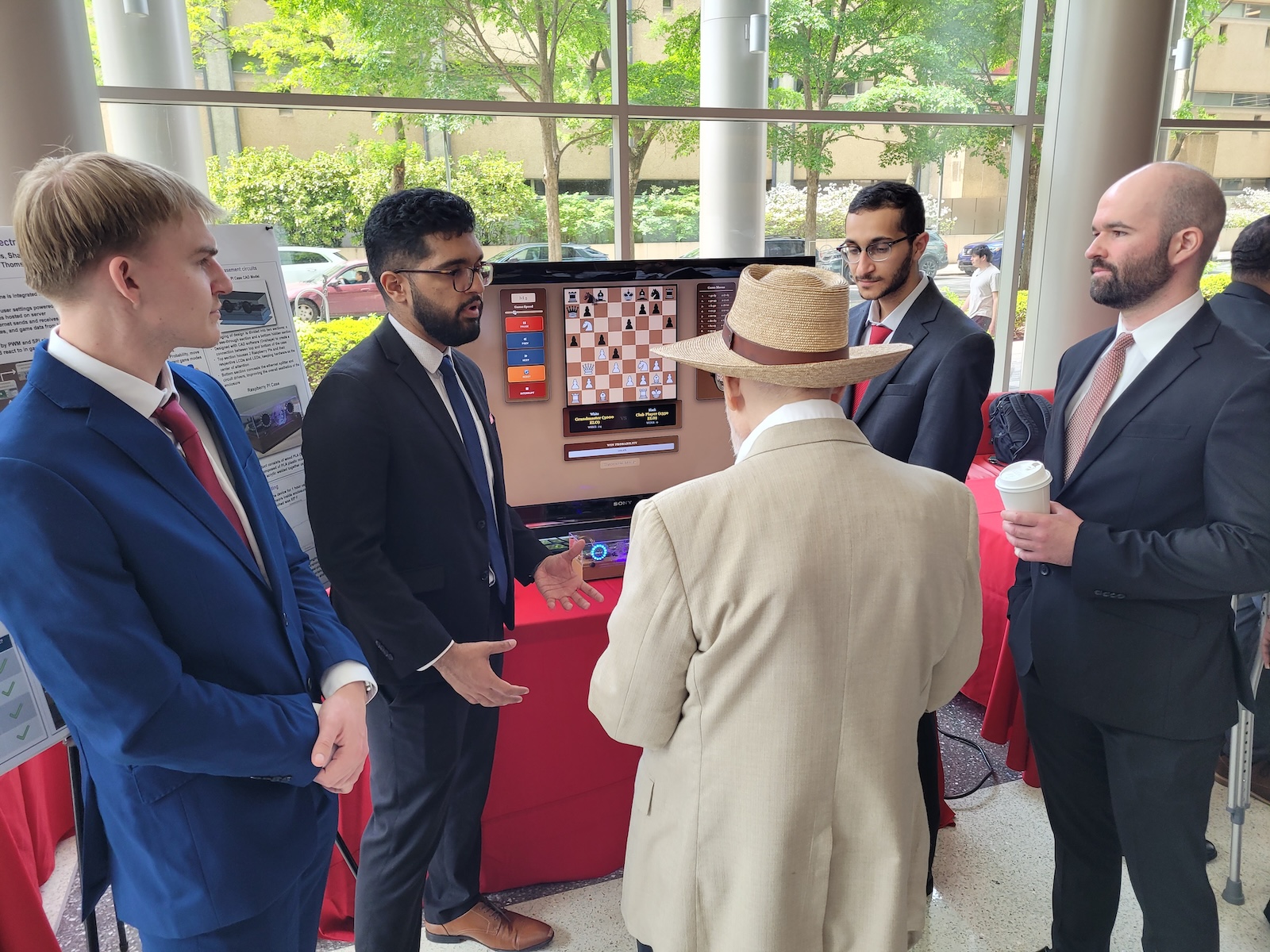
Team 8 worked diligently to have most of their project complete in time for the Engineering Expo hosted by the college on February 26. There, they saw their project used in real time by attendees including current engineering students, high school students and industry members. They also showcased the demonstration at several Experience Temple Days. These experiences let them see real people interact with their project, identifying ways to make the interface more user-friendly.
The team cited their ease in working together and learning from each other as a highlight of their experience.
“One of the things that came up a lot was when high schoolers were playing the game, they were trying to move pieces, but they didn't know they were in check. So we added a feature where, in the user interface, the outer ring of the board lights up red whenever one of the sides is in check.
— Dylan Boles
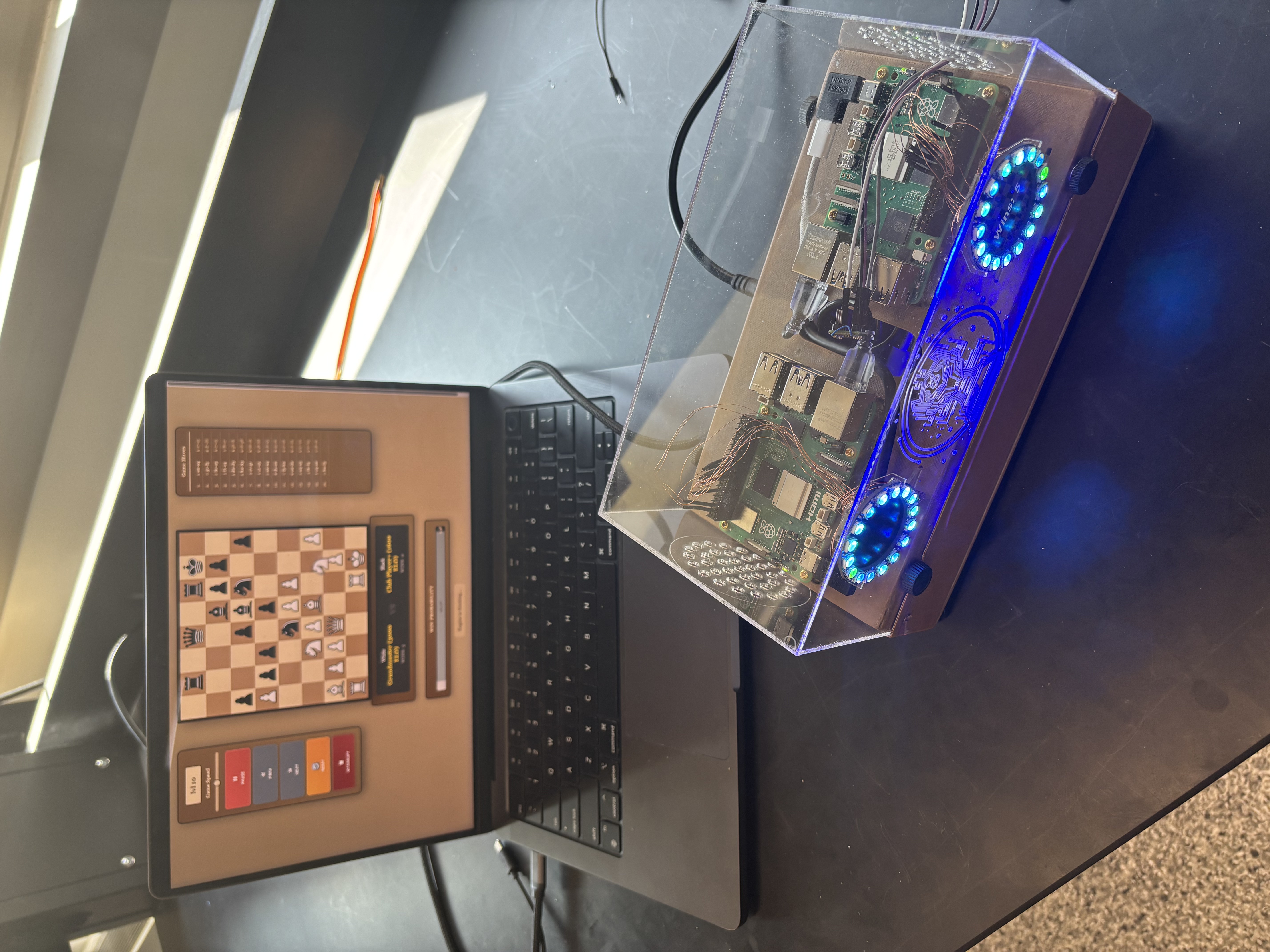
The demonstration runs on two Raspberry Pi computers that communicate directly with one another, without needing a wireless network, to compete against each other in live chess matches.
A built-in mode lets a visitor step in and play against the computer directly, turning the demo from something to watch into something to play.
The team developed machine learning models designed to emulate the strategies and playstyles of professional chess players, giving each match its own character.
The entire demonstration only needs a connection to a laptop, which serves as the display and graphical user interface — nothing else to install or configure on site.
Testing at Experience Temple Days showed that new players often moved pieces without realizing they were in check. In response, the team added a ring of light around the outer edge of the board that turns red whenever a side is in check.
Beyond programming, the team designed and 3D printed the housing for the Raspberry Pis, wired the power switch, and added LED screens that display avatar-style emoji lights signaling the result of each match.